> ## Documentation Index
> Fetch the complete documentation index at: https://docs.cogniagent.ai/llms.txt
> Use this file to discover all available pages before exploring further.
# Resolve Value Node
> Evaluate a template expression and store the result as a variable
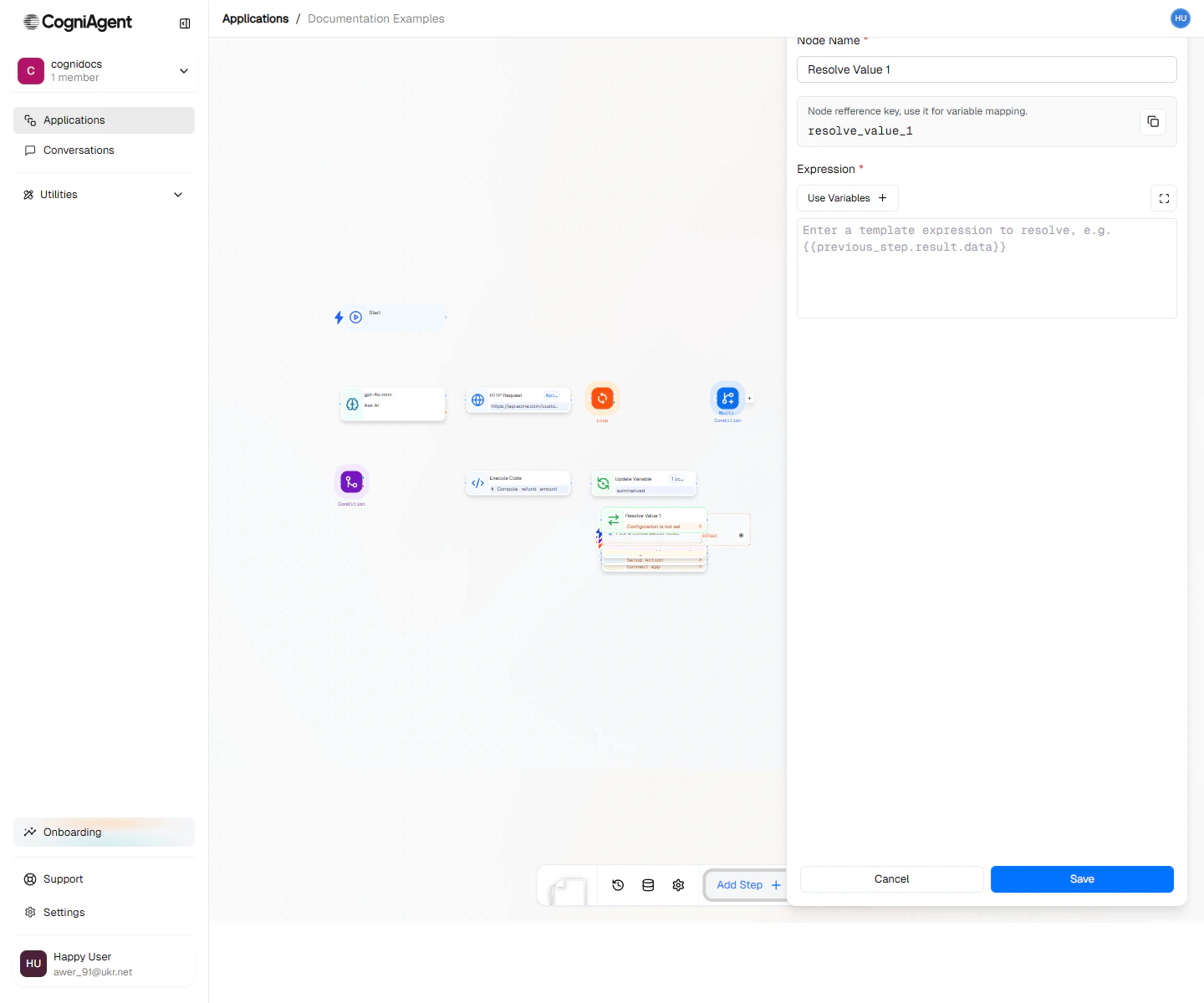
The Resolve Value node takes a template expression — a string that references previous nodes and variables — and stores the evaluated result as a workflow variable. It's the cleanest way to turn a complex reference like `{{customer.orders[0].total}}` into a named value you can use repeatedly.
 ## When to use
* **Clean references** — Turn `{{llm_1.response.analysis.score}}` into `{{score}}` for downstream readability.
* **Computed values** — Build a derived value from multiple inputs before branching or looping on it.
* **Reusable formats** — Compose a string once (e.g. a subject line, a URL) and reuse it across many downstream nodes.
## How it works
1. Write a template using `{{}}` syntax. Reference any variable or earlier node output.
2. Name the output variable.
3. Downstream nodes read it as `{{}}` — no need to repeat the long path.
Unlike [Update Variable](/nodes/actions/update-variable), Resolve Value is read-only: it evaluates and returns, but doesn't mutate any existing variable.
## Next steps
Mutate a variable's value instead of just computing one.
Use Python or JavaScript when the logic is too complex for a template.
## When to use
* **Clean references** — Turn `{{llm_1.response.analysis.score}}` into `{{score}}` for downstream readability.
* **Computed values** — Build a derived value from multiple inputs before branching or looping on it.
* **Reusable formats** — Compose a string once (e.g. a subject line, a URL) and reuse it across many downstream nodes.
## How it works
1. Write a template using `{{}}` syntax. Reference any variable or earlier node output.
2. Name the output variable.
3. Downstream nodes read it as `{{}}` — no need to repeat the long path.
Unlike [Update Variable](/nodes/actions/update-variable), Resolve Value is read-only: it evaluates and returns, but doesn't mutate any existing variable.
## Next steps
Mutate a variable's value instead of just computing one.
Use Python or JavaScript when the logic is too complex for a template.