
Three Types of Nodes
CogniAgent has three types of nodes, each with a different job:Triggers
Start your workflow. Like an alarm clock that kicks things off - when an email arrives, when a form is submitted, or at a scheduled time.
Actions
Do the work. Send emails, ask AI to analyze text, update spreadsheets, or post messages to Slack.
Logic
Make decisions. Choose different paths based on conditions - like “if the email is urgent, do this; otherwise, do that.”
How Nodes Work Together
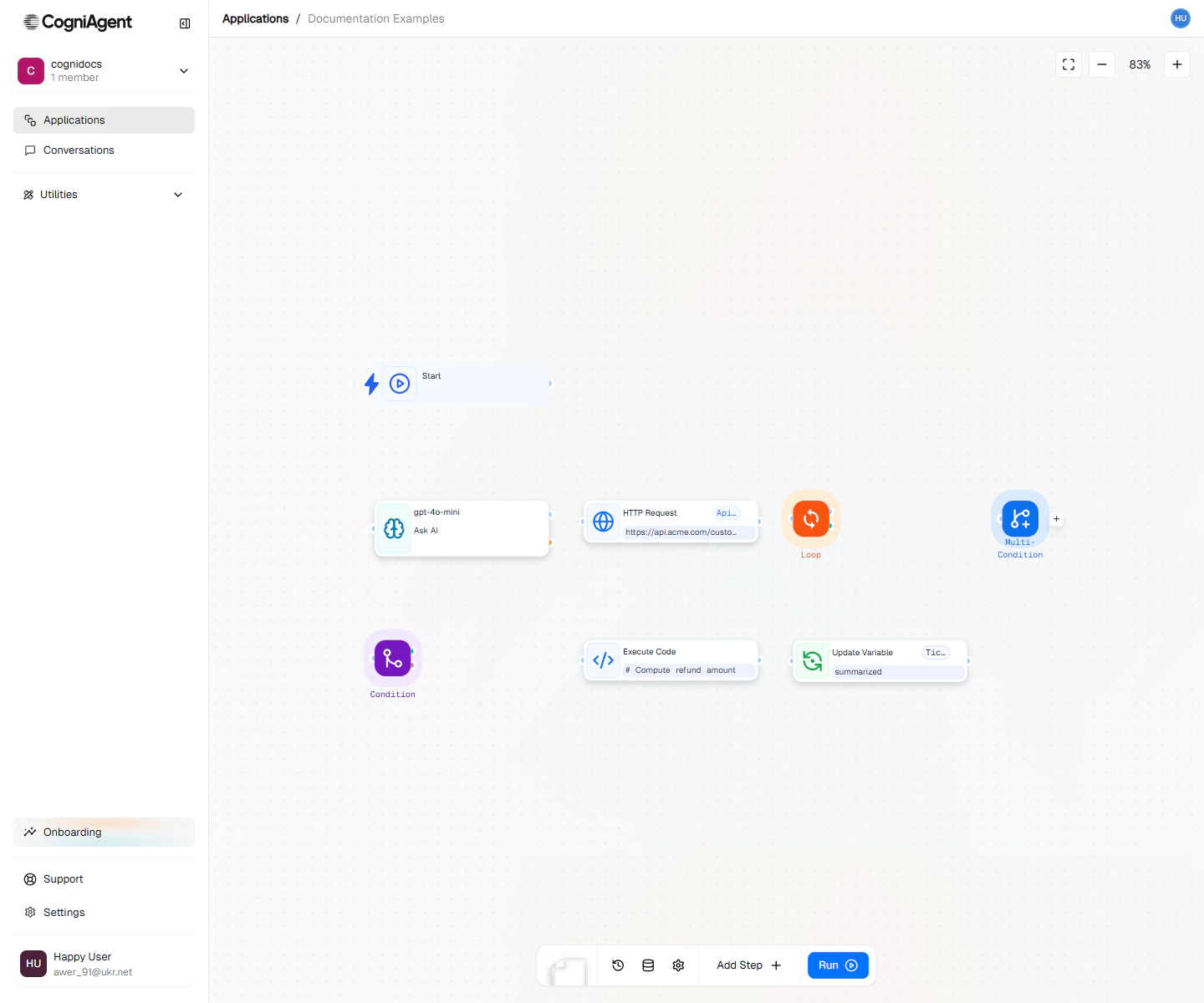
A workflow built from triggers, actions, and logic — connected on the canvas.
- Trigger nodes kick things off and bring in the initial information
- Action nodes do things with that information
- Logic nodes decide what happens next based on rules you set
Passing Information Between Nodes
Every node can use information from nodes that came before it. You use a simple format to grab that data:What Every Node Has
All nodes share these basic parts:Settings
- Name - What you call it (shown on the canvas so you can remember what it does)
- Step ID - A short code other steps use to read this step’s output (auto-created). Once the step is saved, it stays the same when you rename the step
- Description - Optional notes for yourself about what this step does
Connection Points
- Left side - Where lines from previous nodes connect
- Right side - Where lines to the next nodes connect
Trigger nodes only have a right-side connection since they’re always first. Some decision nodes (like If / else) have multiple outputs for different paths.
Configuration Panel
Click any node to see its settings on the right side of the screen. This is where you tell the step exactly what to do.- The panel title is the step’s name, updating as you type, with what the step does underneath (for example, Gmail · Send email).
- More actions in the panel header holds Enable / Disable and Delete.
- Every text field has an Insert data button for adding data from earlier steps.
- Fields check themselves when you leave them. If you click Save with problems, it says how many fields need attention and takes you to the first.
- A collapsed Last output section shows the step’s latest output.
- Step name is the name shown on the canvas.
- Step ID is the key other steps use to read this step’s output. Use the copy button to copy it. It stays the same when you rename the step. A step that reads from a step that no longer exists shows the issue badge Uses a step that no longer exists.
- If you close the panel with unsaved edits, it asks Discard unsaved changes? so you don’t lose them by accident.
- The save chip in the editor header shows Saving…, Saved, or Couldn’t save.
Node Status Colors
When your workflow runs, nodes show their status with colors:Next Steps
Trigger Nodes
Learn about workflow triggers
Action Nodes
Explore what your workflows can do
Logic Nodes
Master workflow logic and branching
Build a Workflow
Follow a hands-on tutorial