
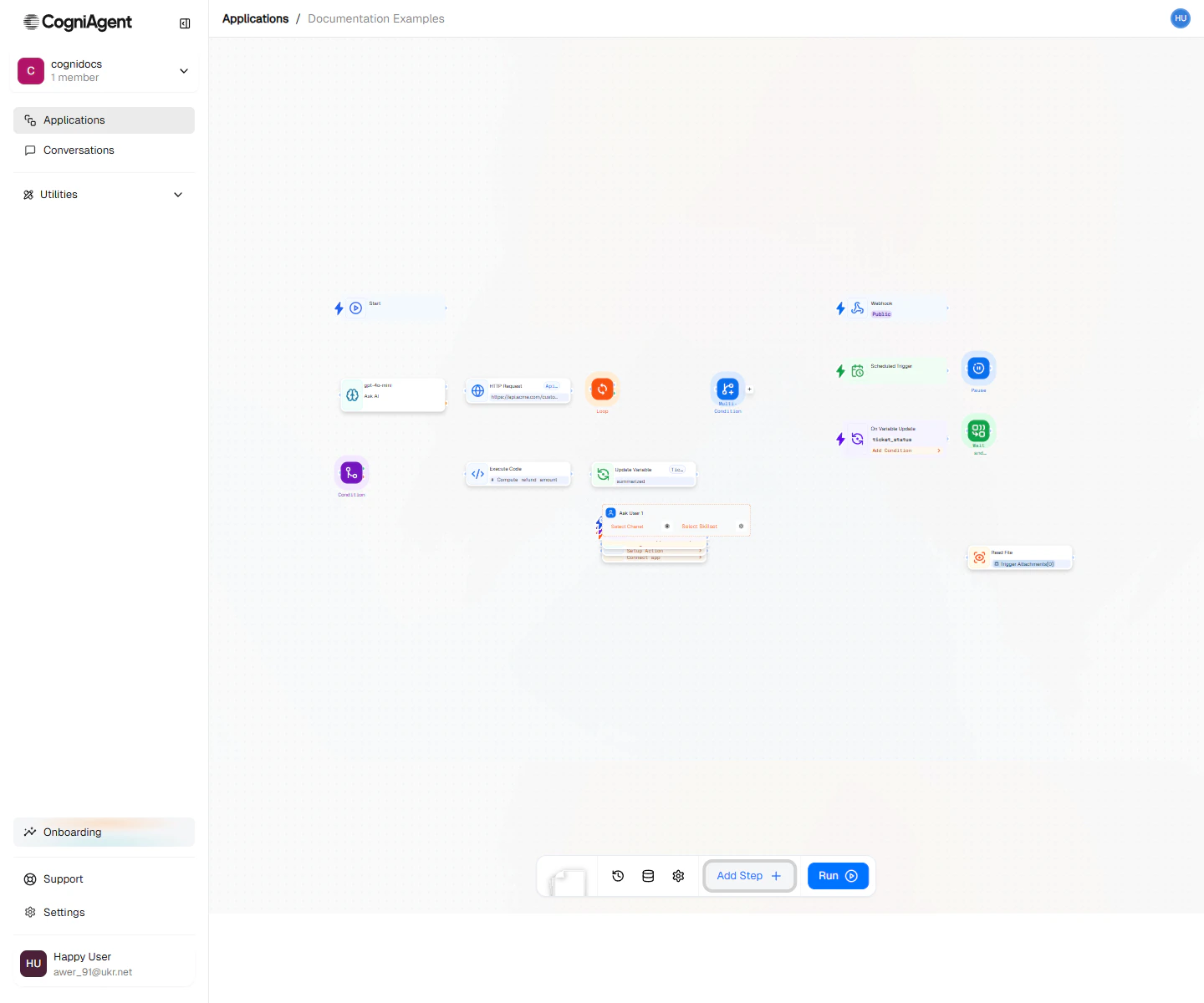
The Ask User node pauses a workflow, asks the user a question through a connected channel (widget, Slack, email, etc.), waits for their reply, and routes execution based on the answer.Documentation Index
Fetch the complete documentation index at: https://docs.cogniagent.ai/llms.txt
Use this file to discover all available pages before exploring further.
When to use
- Approvals — “Should we go ahead and refund this order? (yes/no)”
- Clarifications — “Which of these accounts did you mean?”
- Branching on user intent — Let the user steer the workflow without writing code.
How it works
- Pick the channel to send the question through. Channels are configured in your Conversation Flow or workspace.
- Write the question. Use
{{}}to inline context from earlier nodes — e.g.Approve refund of {{order.amount}} for {{customer.name}}? - Declare the expected responses (free text, yes/no, multi-choice). Each one gets its own outgoing handle.
- The workflow pauses until the user replies. The matching handle’s branch runs next.
Ask User replaces the older Human-in-the-loop node — it works the same way but is delivered through a real channel rather than the in-app approvals queue.
Next steps
Conversation Flow
Wrap a richer multi-turn conversation instead of a single question.
Channels
Set up the email, Slack, widget, or messaging channel the question is sent through.