
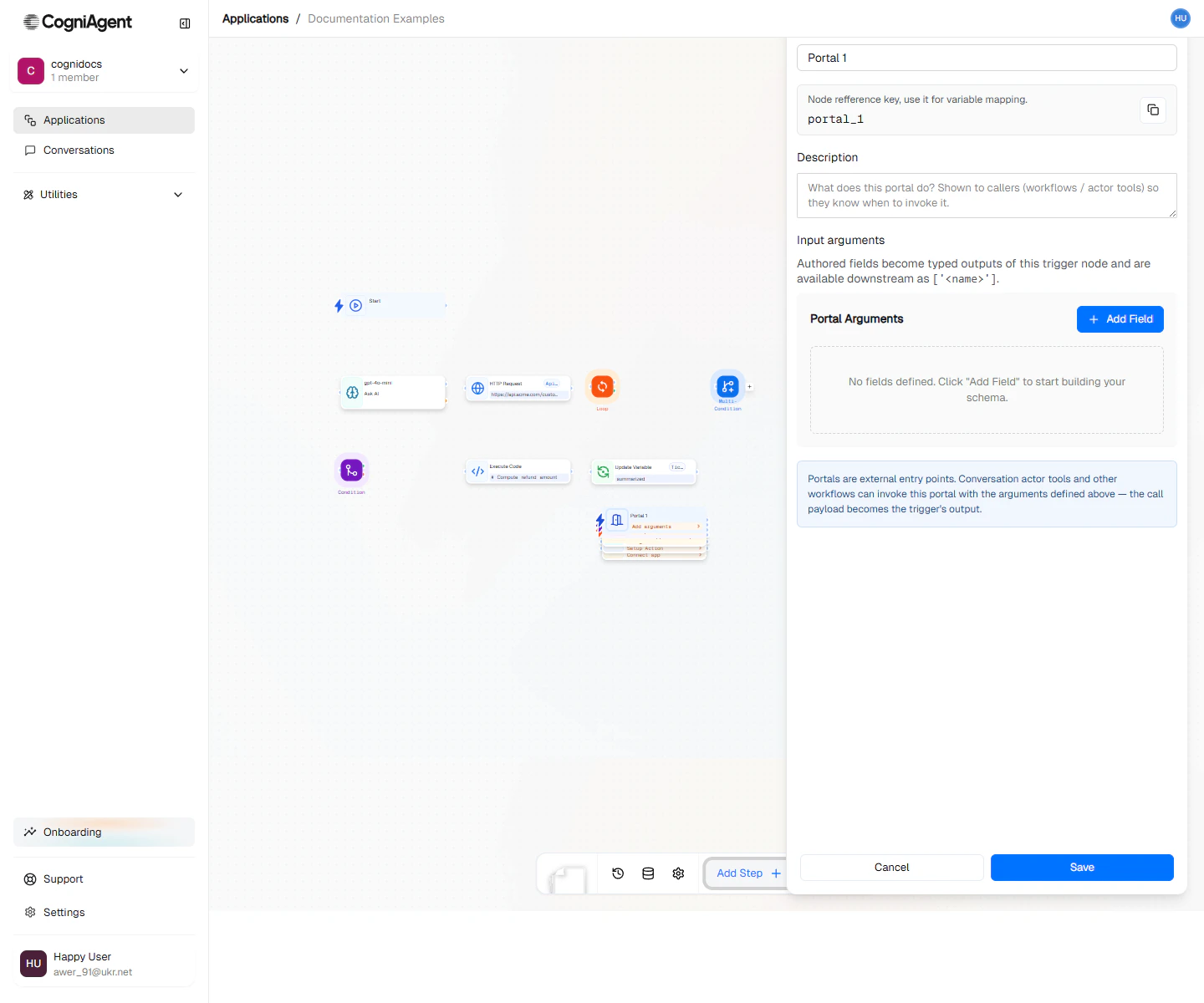
Portal configuration — declare the input arguments callers must pass.
When to use
- Reusable workflows — Wrap a multi-step process behind a clean input contract, then call it from many places.
- Agent tools — Expose a workflow as a tool an actor in a Chat & Voice Agent can invoke.
- Composition — Build small focused workflows and assemble them with Execute Workflow.
How it works
When a Portal trigger runs:- The caller provides values for each declared input.
- The Portal node hands those values to the workflow as variables.
- The workflow runs to completion and returns its result to the caller.
Next steps
Execute Workflow
Invoke a Portal-fronted workflow from another workflow.
Capabilities
Wire a workflow as a custom tool for an actor.