
General
Name, description, execution mode, global context.
Initial Parameters
Typed details a conversation starts with — from the Start Conversation form, a workflow, or the website widget.
Knowledge
Knowledge bases every actor inherits.
Capabilities
Integrations and custom tools every actor inherits.
Channels
The channels the Start node listens on (Inbound) or sends through (Outbound).
General
Flow Name
Short, descriptive. Shows in the flow list and at the top of the editor.Description
A 1–2 sentence summary. Only visible in the editor; not sent to actors.Execution Mode
Inbound (the Inbound card) or Outbound (the Outbound card). See Execution modes for the full guide.- Both modes have Deploy in the rail, and Undeploy while the agent is live.
- An Outbound agent also gets Start Conversation in the rail.
Global Context
The shared knowledge every actor inherits when Inherit context → Global context is checked on them.Status
The badge next to the agent’s name shows its status. You don’t set it in Settings:- Deploy and Undeploy in the rail move the agent between Draft and Live.
- Archive agent and Unarchive are in the ⋯ menu next to the badge, and as Archive and Unarchive in each agent’s ⋯ menu on the Chat & Voice Agents list. Undeploy a live agent before you archive it.
- Version history is in the same menu.
You can edit an agent in any status. Edits go to its draft until you deploy: see Deploy an agent.
Initial Parameters
Define typed details a conversation starts with. Who fills them in depends on the execution mode:- Outbound (Initiator) — the operator or workflow that starts the conversation.
- Inbound (Responder) — the website widget, from the page it’s embedded on. Other Inbound channels leave them empty.
In Outbound mode these appear as form fields in the Start Conversation modal. In both modes they become available to actors as
@param.<name> mentions in their prompts.
Routes can check them too, so an actor is only available to the right people: see Conditional routes.
Useful for outbound flows: an account manager kicks off a billing-dispute call and pre-fills the customer and amount, so the first actor’s opener can reference them.
Share parameters with the AI automatically
Below the parameter list, the Share parameters with the AI automatically switch decides how the AI sees the values:- On — the AI sees every parameter, with its description, in every step. Nothing to wire up.
- Off — the AI only sees a parameter where a prompt mentions it with
@param.<name>. Use this when you want to control exactly where each value appears.
Knowledge
A list of knowledge bases every actor in the flow inherits.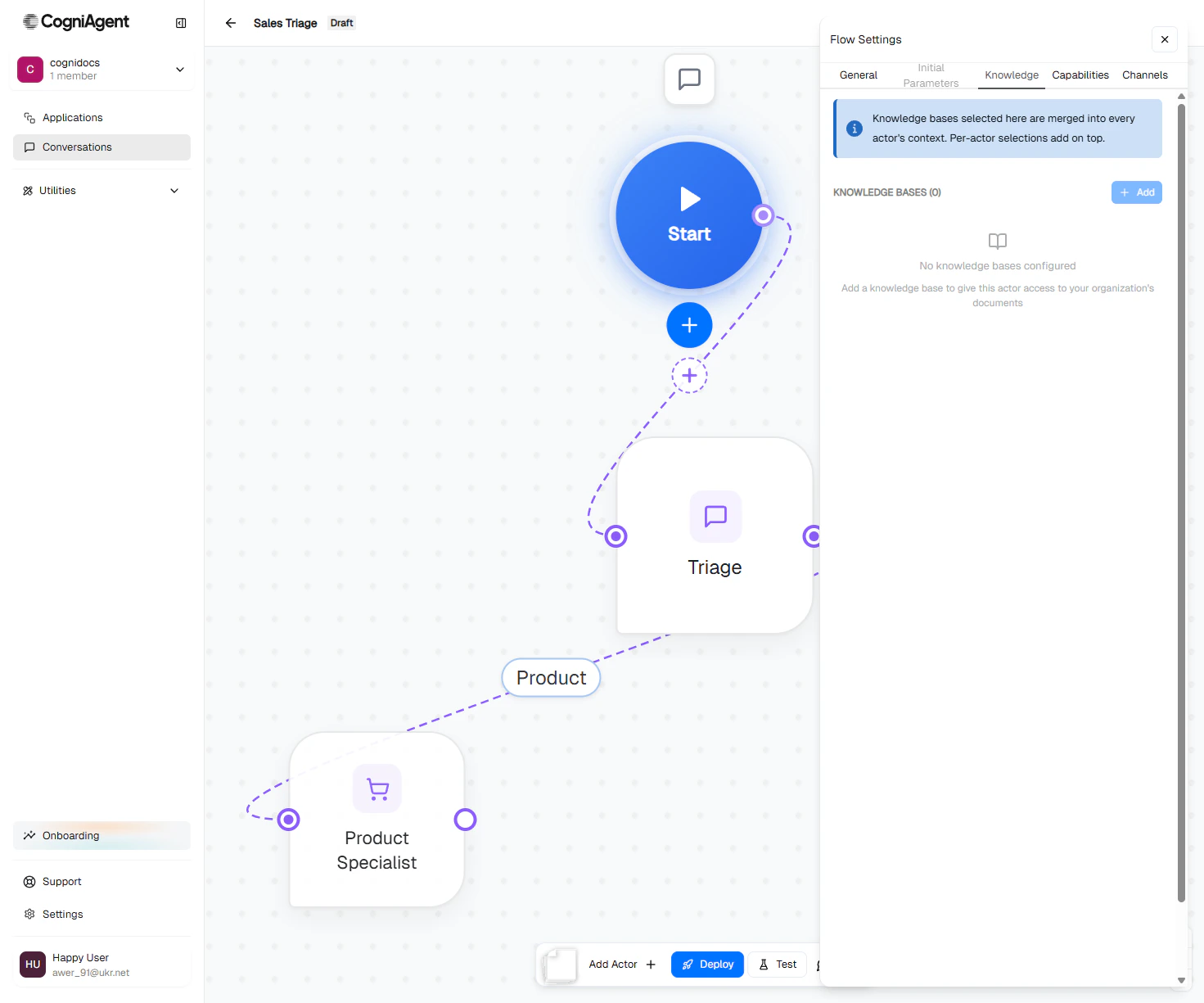
Capabilities
A list of integrations and custom tools every actor inherits.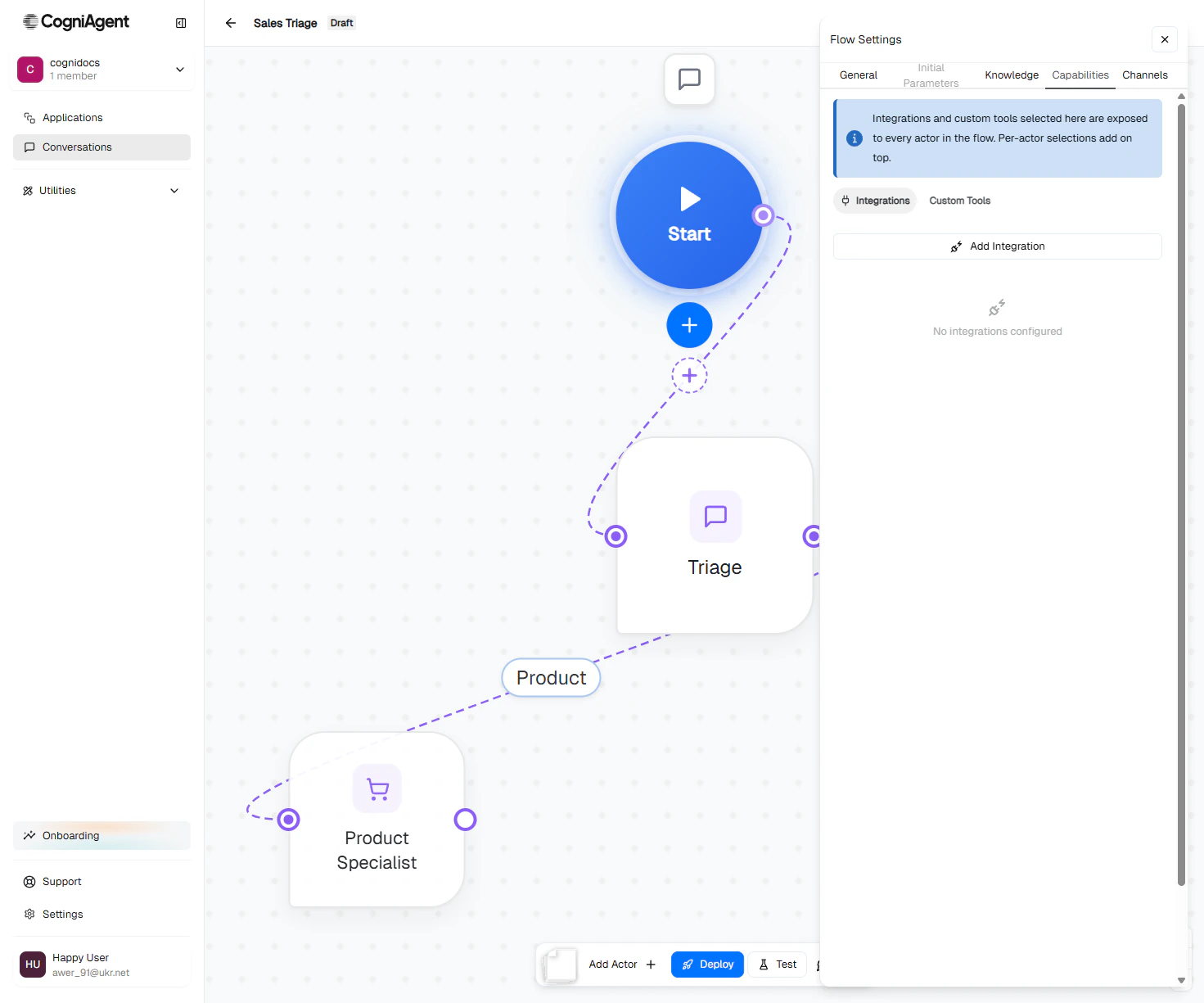
Channels
Configure the channels the Start node uses. It’s the same list the Channels button in the rail opens.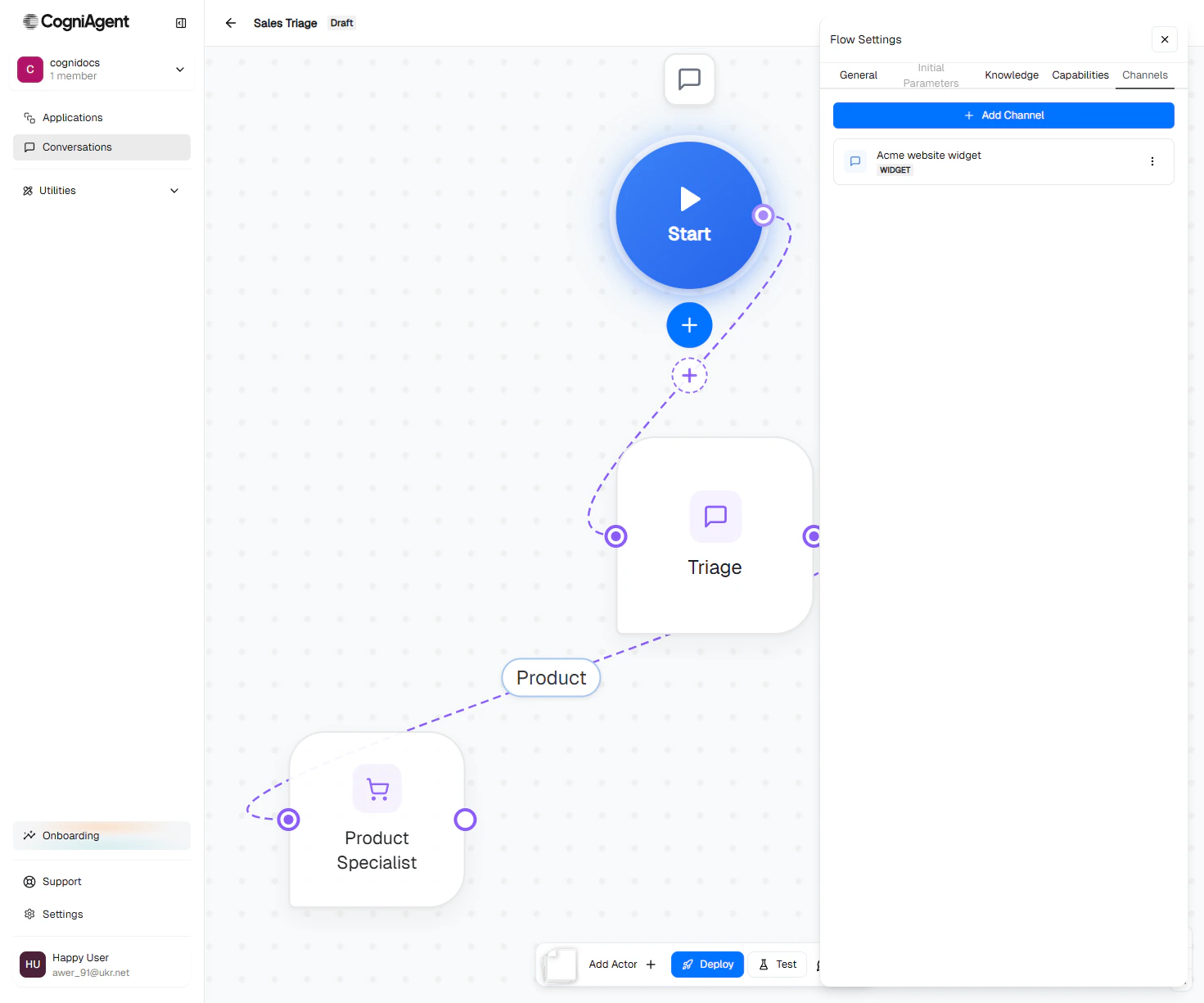
Saving
- General and Initial Parameters save automatically as you edit. The header shows Saving…, then Saved.
- On Knowledge and Capabilities, each change saves straight away. Removing an item shows a toast with Undo.
- A new channel is saved when you click Add channel; a channel you open later saves with its own Save button. See Channels.
An agent that went live before versions existed keeps Save Changes on General and Save Parameters on Initial Parameters instead. See Agents that went live before versions.
Next
Channels overview
Pick and configure communication channels.
Capabilities
Per-actor knowledge, integrations, and custom tools.
Deploy an agent
Publish your edits so real users talk to them.