
{{customer.orders[0].total}} into a named value you can use repeatedly.
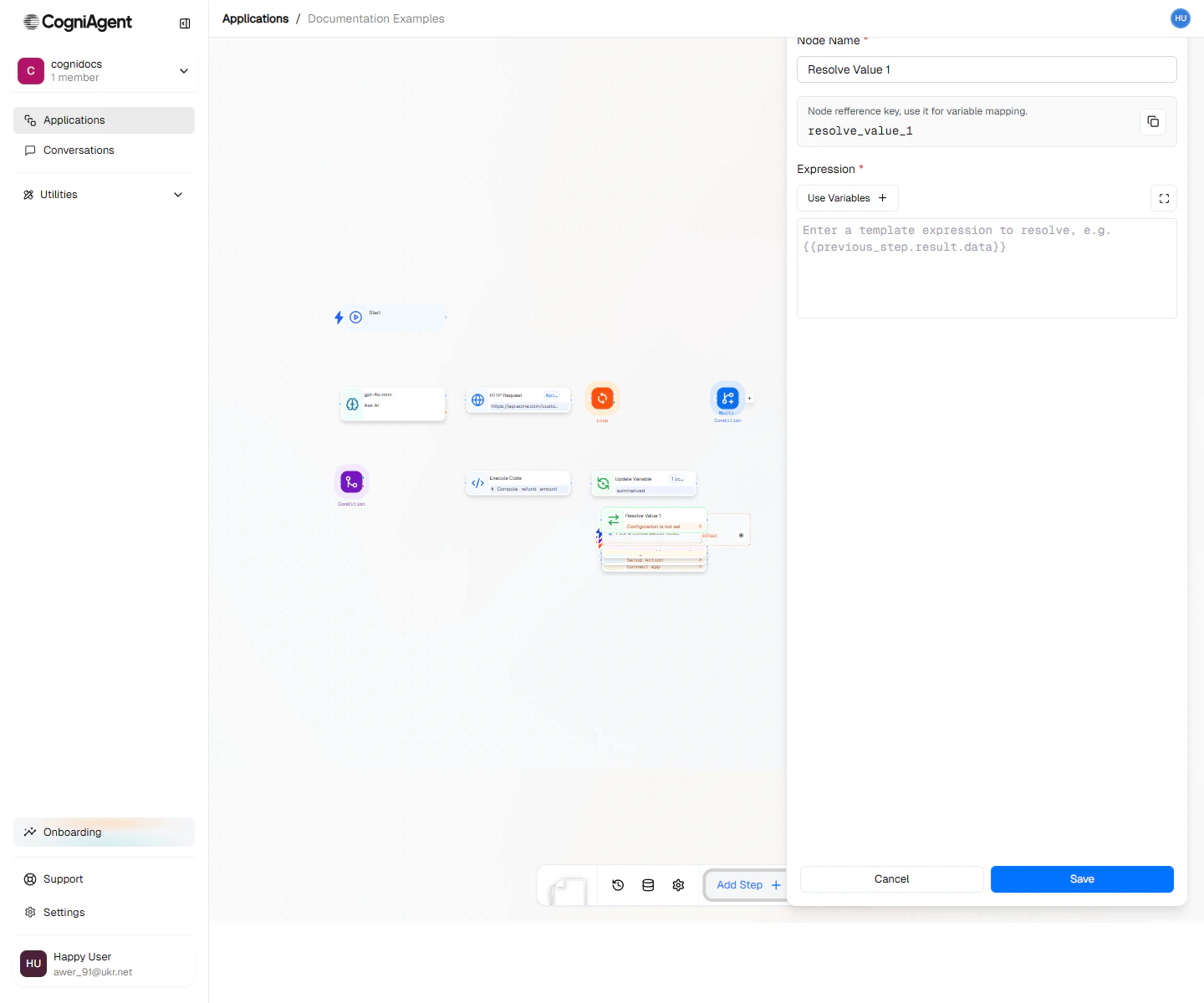
Resolve Value configuration — write the template expression on the left and pick the output variable on the right.
When to use
- Clean references — Turn
{{llm_1.response.analysis.score}}into{{score}}for downstream readability. - Computed values — Build a derived value from multiple inputs before branching or looping on it.
- Reusable formats — Compose a string once (e.g. a subject line, a URL) and reuse it across many downstream nodes.
How it works
- Write a template using
{{}}syntax. Reference any variable or earlier node output. - Name the output variable.
- Downstream nodes read it as
{{<output_variable>}}— no need to repeat the long path.
Next steps
Update Variable
Mutate a variable’s value instead of just computing one.
Execute Code
Use Python or JavaScript when the logic is too complex for a template.