
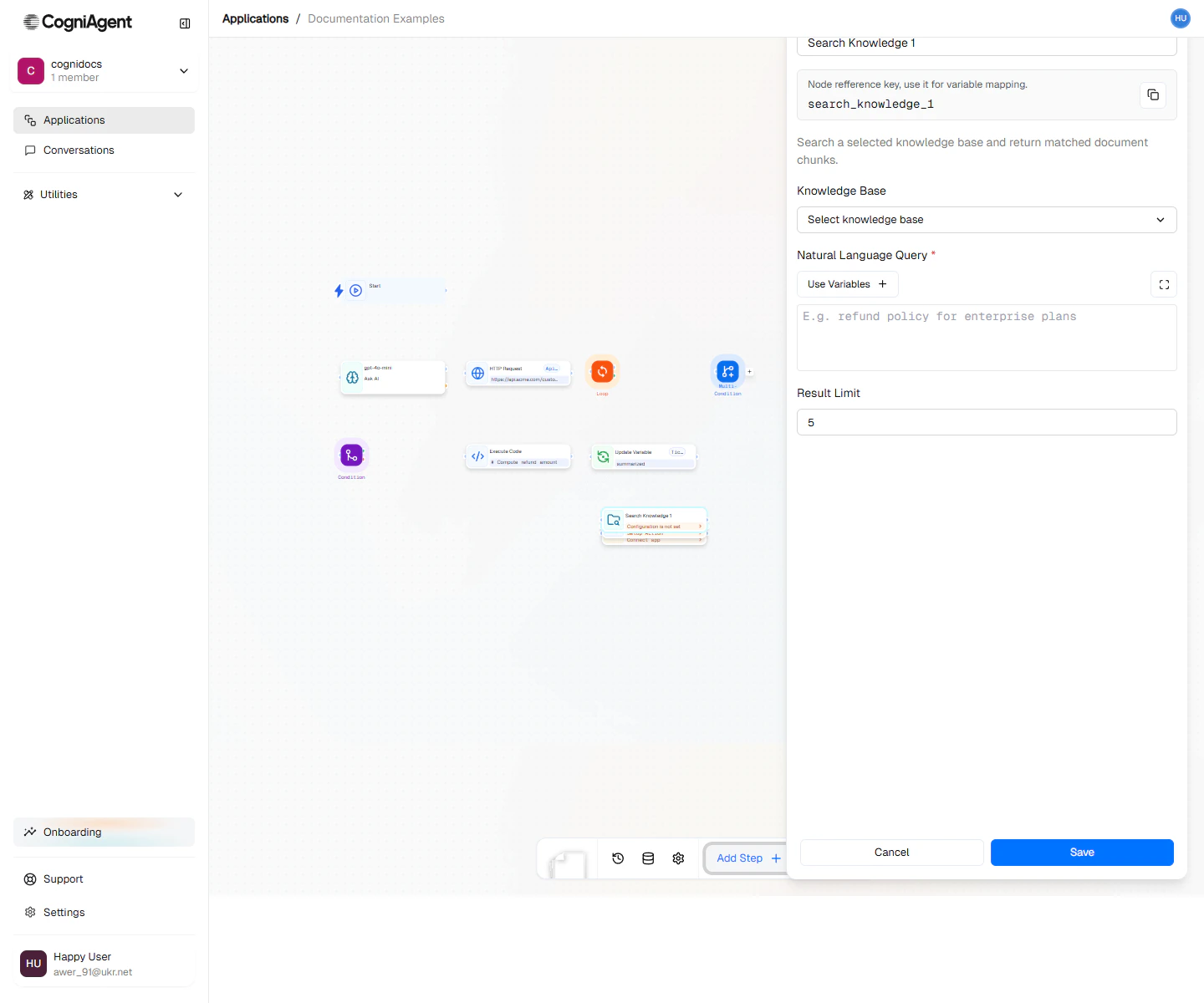
Search Knowledge configuration — pick the knowledge base, write the query, optionally cap results and toggle reranking.
When to use
- Grounded answers — Pull relevant policy or product passages before LLM drafts a reply.
- Lookups — Find the right SKU, FAQ entry, or playbook step based on a free-form query.
- Citations — Surface source passages so an actor or a downstream node can quote them with context.
How it works
- Pick which knowledge base to search.
- Write the query — usually a template that includes the user’s message or a derived variable.
- The node returns ranked matches (text + source metadata) into the output variable.
- Downstream nodes read
{{<output_variable>.results}}and pass it to LLM, Integration Action, or wherever it’s needed.
Next steps
Knowledge Base
Index documents that workflows and actors can search.
LLM
Pair Search Knowledge with LLM for grounded responses.